Stop shipping separately what could move together
Before any shipment is fixed, alpha-TMS evaluates how your orders can be transported most efficiently. The Optimizer functionality in alpha-TMS automatically stacks, consolidates and combines shipments based on your rules.
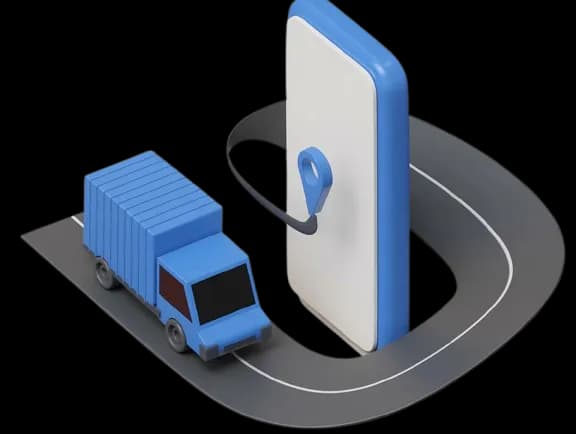
How the Optimizer works
Complete orders are loaded into the Optimizer, which evaluates how they can be transported most efficiently. Before each run, you choose which orders to include. Filter by order state: final, pre-advised, forecast or rate-requested. This lets you optimise at any stage of the process.
Based on your own rules, the Optimizer has three main functions that together reduce the number of shipments and the floor space they take, and with that significantly lower your freight costs:
Stacking
If your orders carry accurate heights, or indicate whether handling units are stackable, the Optimizer stacks them automatically to reduce floor space. The Optimizer even stacks orders that have been consolidated.
Consolidation
Shipments that share the same ship-from and ship-to addresses can automatically be consolidated into a single shipment. Fewer separate orders on the same lane results in higher volumes per shipment and lower freight costs.
Combination
Separate shipments can be automatically combined in the Optimizer into a single transport order. This works for milk runs, extra stop deliveries, or shipments grouped by destination area, such as deliveries to islands.
Continuous re-optimisation
Optimisation is not a one-off. As new orders arrive in the backlog, the Optimizer keeps re-evaluating the open shipments, so a consolidation or combination that was not possible earlier can still be identified. Nothing is fixed until it has to be, so every run works with the latest, most complete picture.
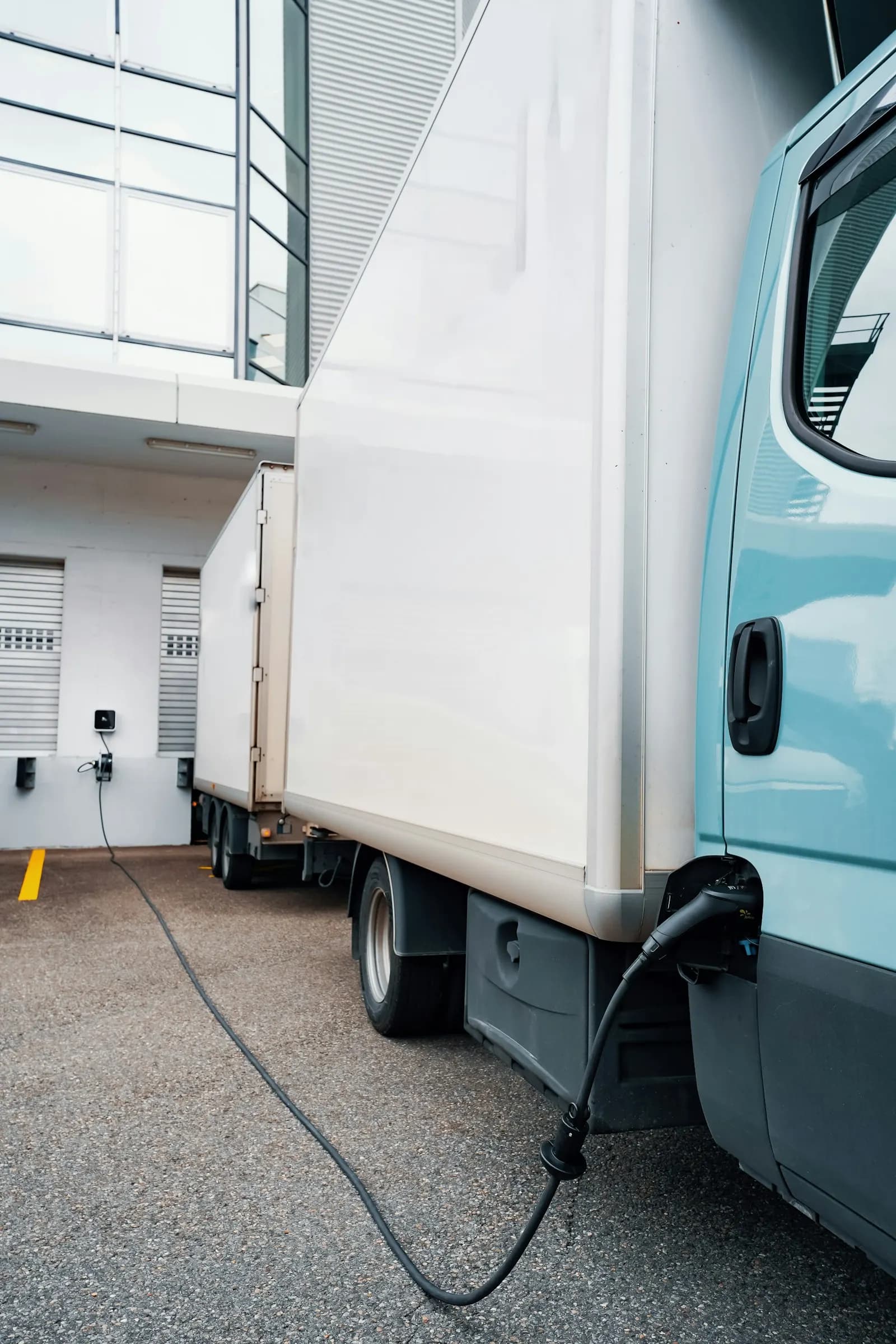
Lower cost & emissions
Optimising means fewer shipments and less floor space, which lowers your freight costs. As a consequence, fewer trucks are needed on the road and your transport emissions fall. And because alpha-TMS measures the emissions of every shipment, that reduction is visible: you can see and report exactly how much you save.
Optimizer capabilities
Completeness check
Flags orders missing mandatory data.
Auto-complete
Fills missing details from the address book.
Order-state filtering
Include final, pre-advised, forecast or rate-requested orders in a run.
Rule-based
Optimises on your own rules.
Stacking
Uses full load height and floor space.
Consolidation
Merges same-lane shipments.
Combination
Milk runs, extra stops, destination-area grouping.
Continuous re-optimisation
Re-evaluates as new orders arrive.
Emissions calculation
Measures the footprint savings.
Transport optimisation & consolidation software
Alpha-TMS Optimizer consolidates and combines outsourced freight to cut transport costs. The Optimizer automatically stacks pallets, consolidates shipments that share the same ship-from and ship-to, and combines separate shipments into milk runs, extra stops or deliveries grouped by area. It re-optimises continuously as new orders arrive, so every shipment moves as efficiently as possible before it is scheduled.
By moving fewer, fuller loads, shippers reduce the number of shipments and the floor space they take, lowering both freight costs and transport emissions, everything reportable.
Frequently asked questions
Everything you need to know about alpha-TMS
What does the Optimizer actually do?
The Optimizer evaluates how your orders can be transported most efficiently before any shipment is confirmed. It stacks handling units to reduce floor space, consolidates orders that share the same ship-from and ship-to address, and combines separate shipments into milk runs, extra stops, or area-grouped deliveries — all based on your own rules.
What types of shipments can be consolidated?
Any shipments that share the same pick-up and delivery address can be automatically consolidated into a single shipment. This reduces the number of separate transport orders on the same lane, increases volumes per shipment, and lowers freight costs.
Can the Optimizer run automatically?
Yes. The Optimizer can be run manually before scheduling, and it re-evaluates continuously as new orders arrive in the backlog. You choose which orders to include in each run and can filter by order state — so you can optimise at any stage: on final orders, pre-advised orders, forecasts, or rate-requested orders.
What order states can the Optimizer work with?
The Optimizer works with all order states: final, pre-advised, forecast, and rate-requested. This flexibility means you can start optimising early, even before all orders are confirmed, and keep improving the plan as more information becomes available.
Does the Optimizer work with my ERP data?
Yes. The Optimizer works with the orders in your alpha-TMS backlog, which can be fed directly from your ERP or WMS via API, SFTP, or EDI. As long as your orders contain accurate weights, dimensions, and address information, the Optimizer can evaluate them for stacking, consolidation, and combination.
What emissions data does the Optimizer provide?
Alpha-TMS measures the CO₂ emissions of every shipment. When the Optimizer reduces the number of shipments and the floor space they use, that reduction in emissions is directly visible and reportable. You can see exactly how much your optimised transport plan saves compared to shipping everything separately.